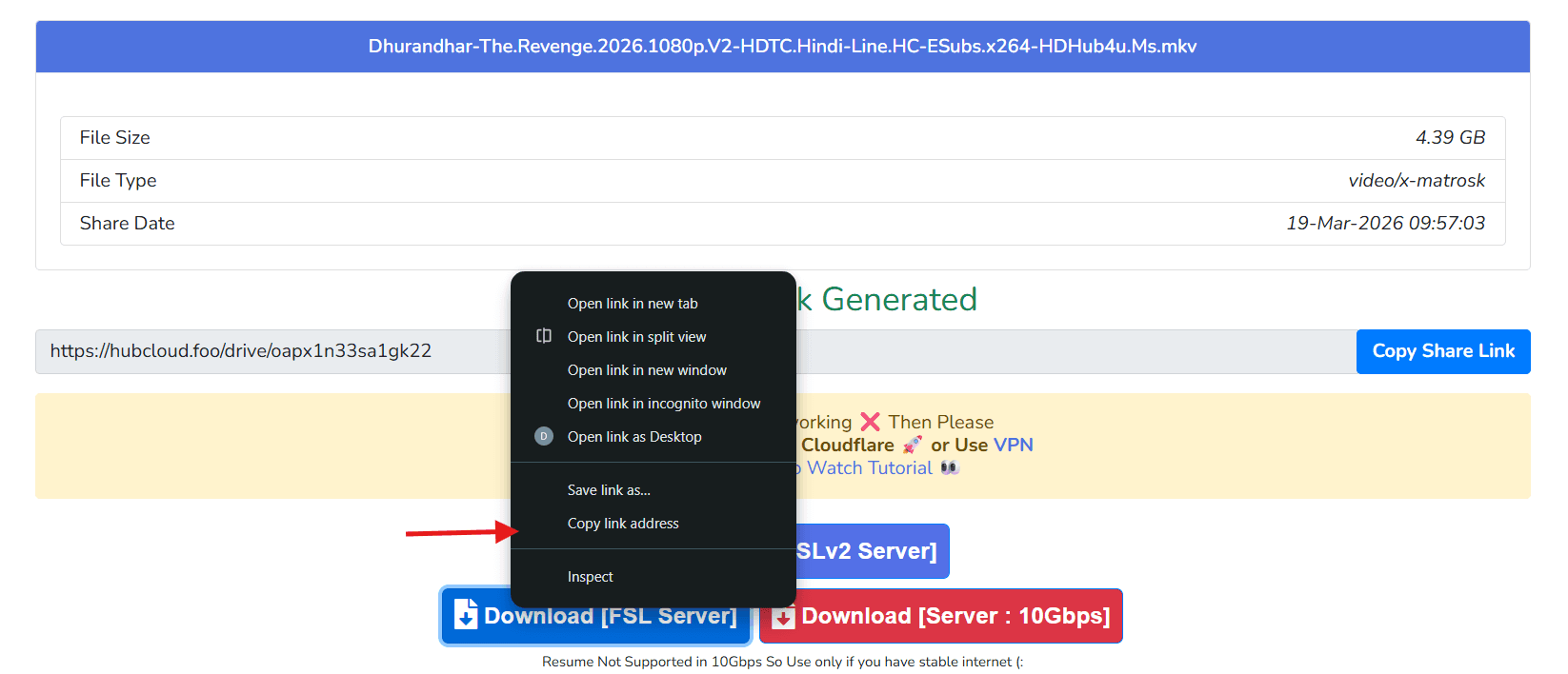
1. First step: Go to Hub Cloud
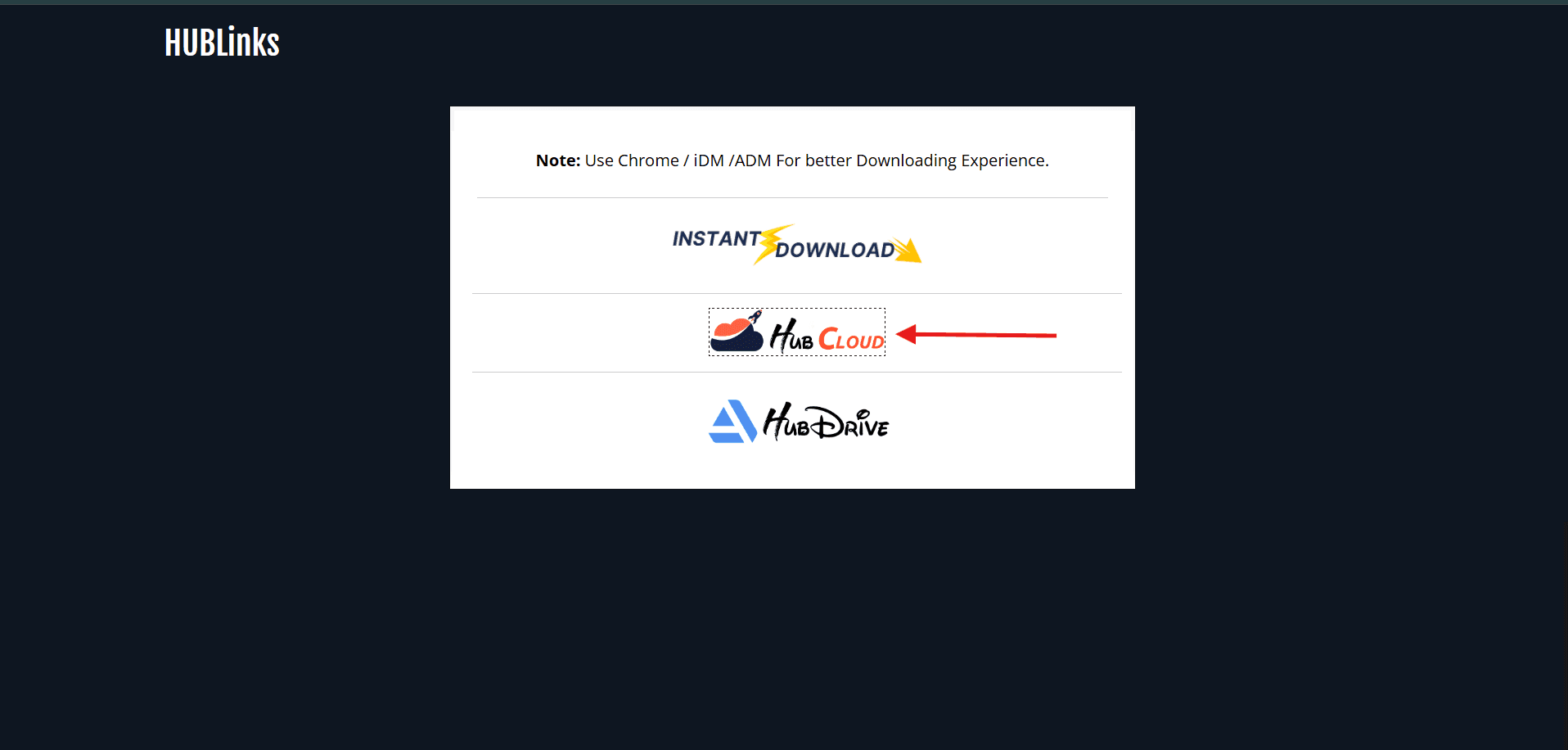
Open your source website (for example hdhub4u-like websites) and go to Hub Cloud page.
If you use any third-party website to download movies, you can use this player. You already know the steps there, so you can easily go through these steps below.
If you use hdhub4u-like websites or any other website, you can still play those direct links here.
Open your source website (for example hdhub4u-like websites) and go to Hub Cloud page.
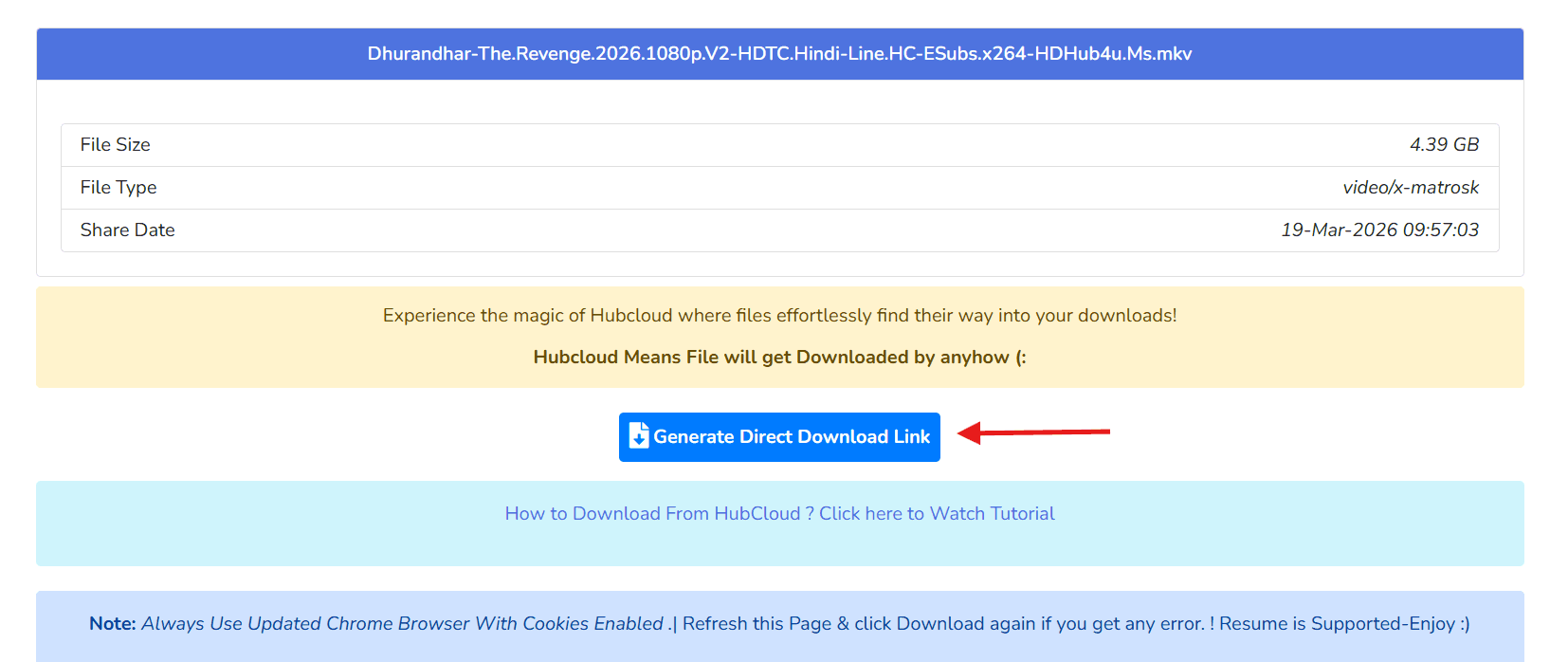
Find the button and click Generate Download Link.
When the page looks like this and you see the arrow point, right click the link on desktop. If you use mobile, then long press the link.
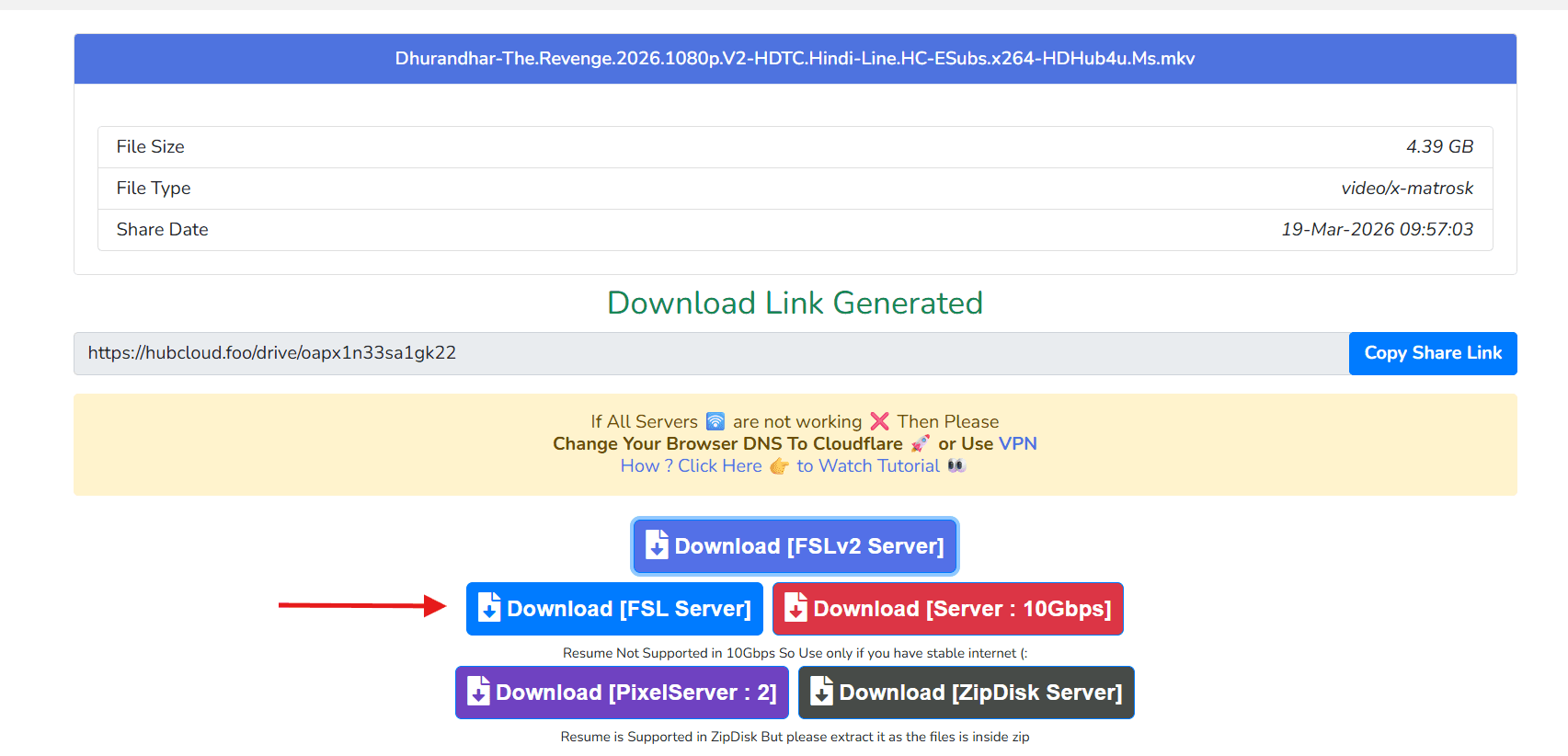
Copy link address from that page and paste it in our website movie URL input.